How CAD and BIM Are Changing the Construction Industry
What's new: ISO 19650 and IFC 4.3 status, EU carbon rules for new buildings, a CAD vs BIM table, a transition plan, a cost model, common mistakes, AI use and an FAQ.
Summarize with AI
Read summarized version with AI
- CAD produces drawings; BIM produces a shared model of objects with data, from which drawings, schedules and quantities are generated.
- Most firms need both: CAD stays the right tool for details, small jobs and fabrication drawings, while BIM carries coordination and the project record.
- ISO 19650, which gained a Part 6 in 2025, and IFC, registered as ISO 16739-1:2024 and extended to roads and railways in version 4.3, are the standards that make model exchange work.
- From January 2028, EU member states must calculate life-cycle carbon for new buildings over 1,000 m², which turns model quantities into a reporting input.
- A move from CAD to BIM fails on process more often than on software: start with one pilot, written information requirements, a common data environment and tested IFC exchange.
The construction industry is often criticized for conservatism, standardization and red tape. There is a reason for it. Buildings must be safe, so every new technology needs a regulatory framework, agreed standards and a cost that pays back over the life of the asset, not just on one project. Few technologies clear that bar. CAD and BIM did.
CAD replaced the drawing board decades ago. BIM is now replacing the idea that a project is a set of drawings at all: the model and its data become the project record, and drawings become one of its outputs. In this article we explain the difference between the two, why most firms still need both, and what a move from CAD to BIM involves in practice.
We first published this article in October 2022. This update keeps the original comparison and adds what has changed since then: a new part of ISO 19650, IFC 4.3 as an ISO standard, EU rules that turn building models into carbon calculations, AI tools that query and check models, and a practical transition plan with a cost model, common mistakes and a readiness checklist.
Why construction moved from paper to CAD, and from CAD to BIM
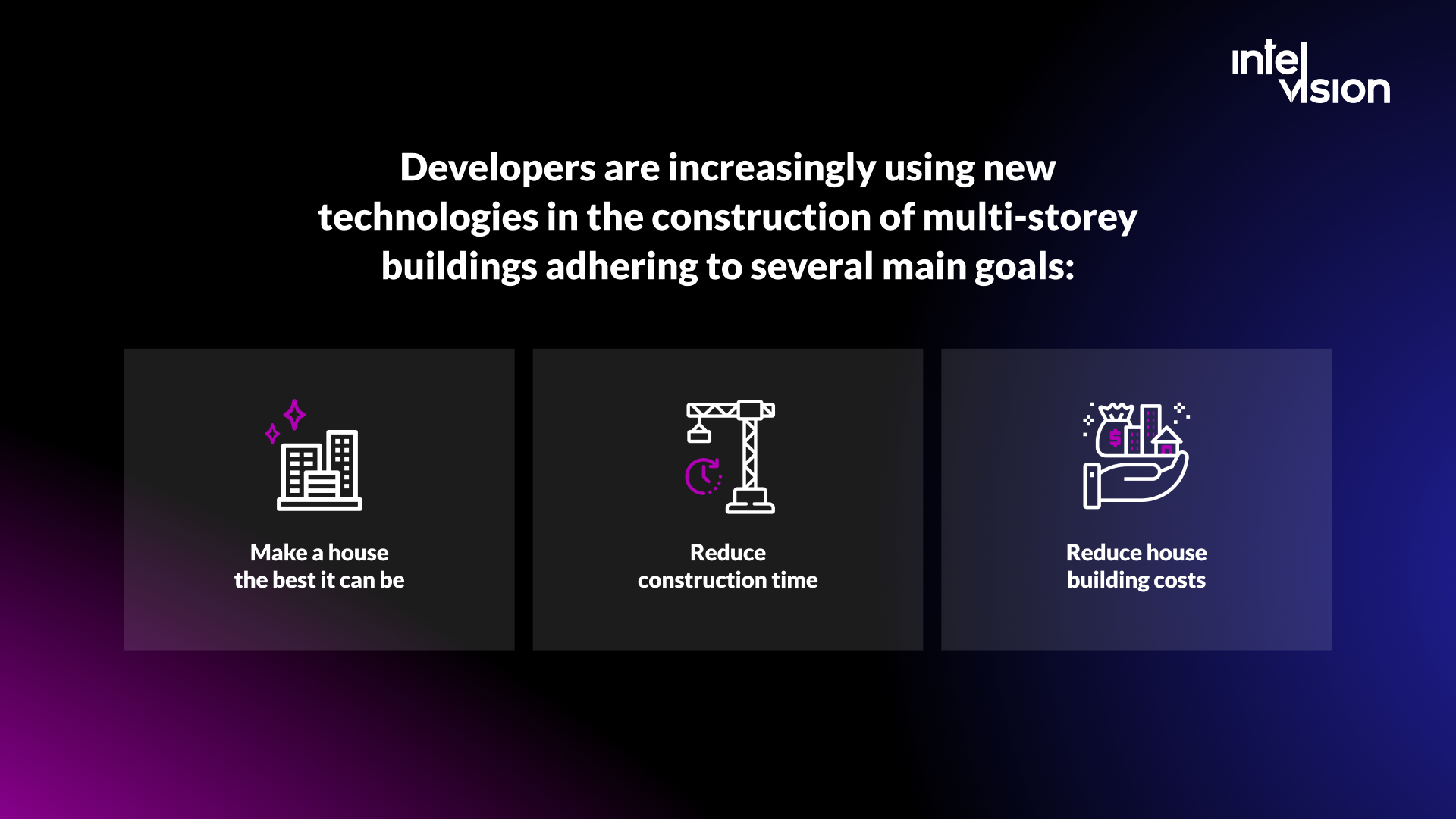
The construction of multi-storey buildings is a complex, lengthy and responsible process. Developers want houses that are warm, reliable and soundproofed, and they want them built at the lowest possible cost. Every digital tool the industry has adopted serves the same three goals:
- Make the building as good as it can be.
- Reduce construction time.
- Reduce building costs, during construction and over the years of operation.
Growing cities, tighter energy rules and clients who expect data rather than paper have pushed construction toward more digital working. For a contractor or a design office, the use of software is now a question of competitiveness: it decides whether you can win tenders that require model-based delivery, and whether your margins survive the rework that poor coordination causes.
The economic case was put most clearly by the EU BIM Task Group. Its handbook for the European public sector, published in 2017, estimated that if wider adoption of BIM delivered 10% savings to the European construction sector, an additional €130 billion would be generated for a €1.3 trillion market. The exact figure matters less than the direction: the savings come from fewer errors, less rework and better information, which is what the move from paper to CAD started and the move from CAD to BIM continues.
What CAD is in construction
CAD (computer-aided design) refers to any software used by architects, engineers or construction managers to create drawings of new buildings, either as 2D drawings or as 3D models.
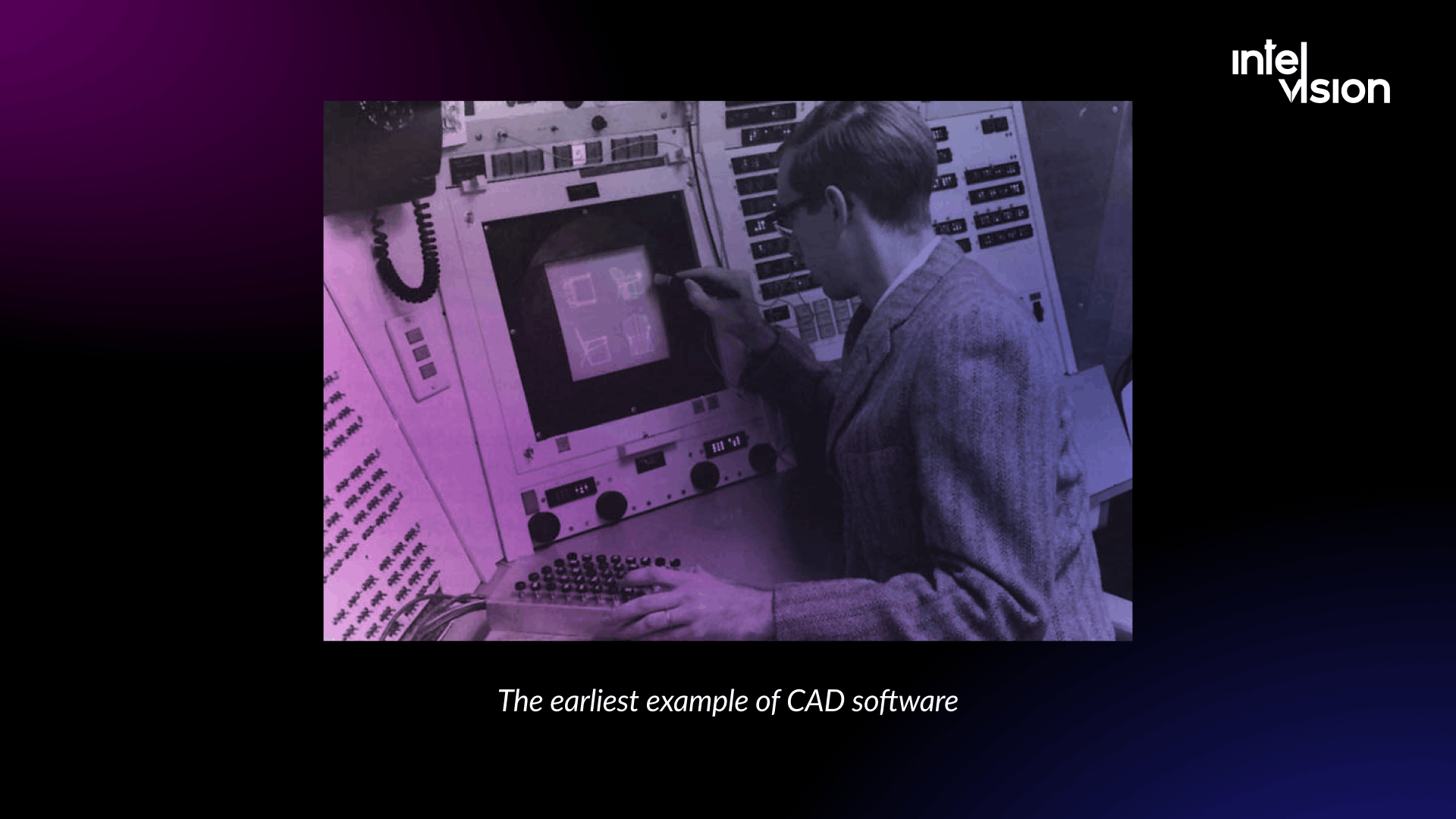
CAD began in the early 1960s with a program called Sketchpad, written by Ivan Sutherland at MIT in 1963 as part of his PhD thesis. By the 1970s CAD was moving out of research and into commercial use, first in the automotive and aerospace industries. The spread of personal computers in the 1980s and 1990s made it standard in architecture and engineering offices.
By switching from paper to software, design teams could take exact measurements, spot design flaws earlier and run analysis they could not do by hand. In a typical project today, CAD still produces plans, sections, elevations, details and shop drawings, usually as DWG or DXF files and as PDF sets for review and permits.
Why CAD still matters on construction projects
CAD simplifies blueprints, keeps measurements uniform and makes it easy to adjust a design once the project is underway. You will always have to go back to the drawings at some point, and with CAD that is a matter of minutes rather than days.
CAD gives architects control over the visual representation of a design. A different perspective takes a drag of the mouse instead of a new drawing. It also lets professionals reuse designs: if a building has many similar components, it is faster to duplicate and adjust an existing design than to draw a new one.
CAD files are also easy to share. Stakeholders can open the same drawings wherever they are, which became essential during the pandemic and has stayed that way with hybrid work and distributed project teams.
In 2026 CAD remains the right tool for a lot of work:
- Small projects and renovations, where a full model costs more than it saves.
- Detailing and fabrication drawings, where a precise 2D detail is exactly what the workshop needs.
- Surveys and site plans that feed into a model later.
- Sub-contractors and smaller partners who receive drawings rather than models.
Its limit is structural. In CAD, each drawing is its own file. A change on the floor plan does not update the section, the schedule or the cost estimate. Quantities are measured by hand or by script, and coordination between architecture, structure and building services happens by overlaying drawings and hoping nothing was missed. That limit is what BIM was designed to remove.
What BIM is in the construction sector
BIM, or building information modeling, is the central element of modern design. It is not just virtual modeling of a building. It is a digital representation of the physical and functional characteristics of an object. The international standard for information management with BIM, ISO 19650, describes BIM as the use of a shared digital representation of a built asset to support decisions in design, construction and operation.
A BIM model takes into account the construction, the equipment, the management and operation of the facility, and the prospect of repair or demolition. It covers the whole life cycle. Every component is an object with properties, so when you remove or replace an element, the model, its views and its schedules update with the change.
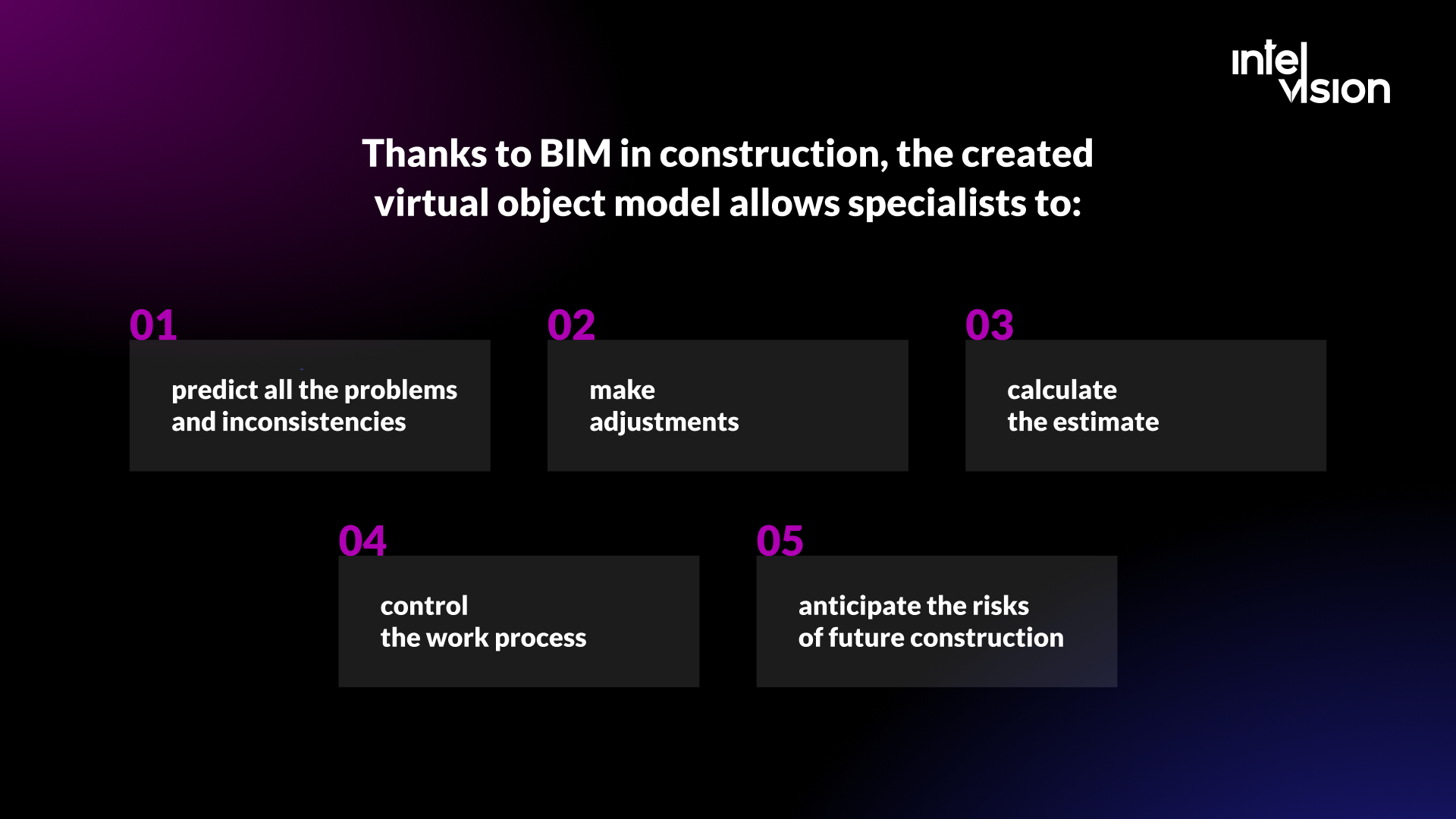
With BIM, the virtual model allows specialists to:
- predict problems and inconsistencies before they reach the site;
- make adjustments once and see their effect everywhere;
- calculate the estimate from the model's quantities;
- control the work process;
- anticipate the risks of future construction.
The industry often describes BIM in dimensions. A 3D model carries geometry and data; 4D adds time, linking components to the construction schedule; 5D adds cost; and 6D is used for life-cycle and facility information, although there is less agreement on its definition. Under ISO 19650-3, the operational stage is handled through asset information requirements and an asset information model.
As a result, BIM reduces material waste, critical mistakes and delays, and makes the work of project managers more accurate.
How CAD and BIM are different
CAD is a modeling, drawing and design tool, while a BIM platform holds a database of information. A BIM solution uses the model and the information stored with it to do much more than show geometry.
CAD and BIM belong together: they are two stages of the digital building process, and BIM would never have been possible without CAD. In contrast to CAD, BIM has four key characteristics:
- It uses 3D models to capture, explore and maintain consistent and coordinated planning, design, construction and operational data.
- It gives greater insight into a project's cost, budget, schedule and constructability.
- It lets everyone involved in a project use and share the same, up-to-date data.
- It makes it possible to respond quickly to changes within the process.
The practical differences show up in daily work:
| Aspect | CAD | BIM |
|---|---|---|
| Unit of work | Lines, arcs, surfaces and layers | Objects such as walls, doors and ducts, each with properties |
| Making a change | Each drawing is edited separately | Change the model once; views and schedules update |
| Information | Geometry plus annotations | Geometry plus data: materials, fire ratings, cost codes, maintenance details |
| Quantities | Measured by hand or by script | Scheduled directly from the model |
| Coordination | Overlaying drawings from each discipline | Federated models, clash detection and tracked issues |
| File formats | DWG, DXF, PDF | Native authoring formats plus open IFC for exchange |
| Life cycle | Design and construction documents | Design, construction and operation of the asset |
| Skills needed | Drafting | Modeling, information management and data standards |
Using BIM for commercial buildings, and not only for them, creates a cooperative way of working for everyone involved at every stage of a building's life. Architects, contractors and civil engineers work from the same database and model throughout the project. BIM goes well beyond a CAD system: it can carry building services such as electrical containment and mechanical cooling alongside roofs and windows, and keep them coordinated as the design changes.
The standards and rules that make BIM work in 2026
BIM depends on shared rules more than on any single product. These are the ones that shape projects today:
- ISO 19650. The family covers concepts and principles (Part 1, 2018), the delivery phase (Part 2, 2018), the operational phase (Part 3, 2020), information exchange (Part 4, 2022) and security-minded information management (Part 5, 2020). A Part 6 on health and safety information was added in 2025. According to its summary, Parts 1 to 3 have been under review since 2024 with amendments planned during 2026, so check which edition your contracts refer to.
- The IMI Framework. In the UK, BSI and nima publish the IMI Framework, formerly the UK BIM Framework, which brings the ISO 19650 parts together with guidance for applying them.
- IFC. Industry Foundation Classes is the open, vendor-neutral data format for exchanging models. IFC is registered as the international standard ISO 16739-1:2024, and IFC 4.3, reported in April 2024 as the latest edition of ISO 16739, extended the schema to horizontal assets such as roads and railways. For infrastructure owners, that closed a long-standing gap.
- Public procurement. The EU Public Procurement Directive of 2014 encourages BIM in public works, and the EU BIM Task Group's handbook was written to help public clients act on it. Germany's transport ministry presented a phased plan for introducing BIM in 2015 and has since published master plans for federal trunk roads and for federal buildings, supported by the national center BIM Deutschland.
- Carbon rules. Under the revised Energy Performance of Buildings Directive, member states must calculate the life-cycle global warming potential of new buildings from January 2028 for buildings over 1,000 m² and from January 2030 for all new buildings. The deadline for transposing the directive into national law was 29 May 2026. A model with reliable quantities and materials is the practical starting point for those calculations.
For a country-by-country view of BIM policy, see our companion article on BIM in the construction industry.
From CAD to BIM: how design work changes
BIM is about information and management rather than design itself. The point of BIM tools is not to replace CAD workflows but to make drawings part of a central system of project information. Still, BIM has changed how buildings are designed.
Generative design
BIM models open up AI-driven generative and parametric design. Architects and engineers set parameters, such as physical constraints, site boundaries or daylight targets, and the software generates many possible solutions to start from. Visual programming tools such as Grasshopper and Dynamo let teams script repetitive design logic instead of drawing it.
Modular design and prefabrication
Combining CAD with BIM makes a modular approach to construction practical, and that shapes the design itself. Architects and engineers can plan prefabricated components in detail, including 3D-printed parts with unusual shapes, and send exact geometry and quantities to the factory.
Model-based coordination
Instead of overlaying drawings, teams combine discipline models into a federated model and run clash detection. A duct running through a beam is found on screen and logged as an issue with an owner and a due date, rather than discovered on site.
Virtual and augmented reality
BIM also makes models interactive. With a VR headset, stakeholders can walk through the future building, get a feel for how it will come together and check for safety hazards. On site, AR overlays the model on the real structure to check installation against design.
Drawings become outputs
In a BIM workflow, drawing sets are generated from the model. They are still needed for permits, contracts and the site, but they are no longer the source of truth. That is the biggest mental shift for a team trained on CAD.
How to move a team from CAD to BIM, step by step
Most failed BIM rollouts fail on process, not software. A structured transition looks like this:
- Define why you are doing it. Tender requirements from public clients, coordination problems on site, or a client who wants an asset model at handover. The reason decides how far you need to go.
- Choose one pilot project. Medium size, a cooperative client and partners who are willing to exchange models. Do not start with your most complex job.
- Write down information requirements. In ISO 19650 terms, what information the client and the project need, at which stage and in what level of detail. Then agree a BIM execution plan with partners.
- Set up a common data environment. One place where models, drawings and issues live with status and version control. Our guide to the common data environment explains how it works.
- Build templates and libraries. Project templates, object libraries, naming conventions and a classification system, so every model is structured the same way.
- Train by role. Modelers, coordinators and a BIM manager need different skills. Site managers and estimators need to read models, not author them.
- Test open exchange early. Export and import IFC with each partner before the design is far along, and agree which data must survive the exchange.
- Make model checking a routine. Weekly clash detection and rule checks, with issues tracked to closure.
- Measure the pilot. Clashes resolved before site, requests for information, rework hours and the time to issue a drawing revision, compared with a similar CAD project.
- Scale and connect. Roll the method out to more projects, then link the model to cost, schedule and facility management systems.
What the transition costs and how to estimate it
License prices change often and depend on country, term and bundle, so get current quotes from vendors rather than relying on published lists. What you can do now is build the cost model. The main items are:
| Cost item | What drives it | How to estimate it |
|---|---|---|
| Authoring software | Number of people who build models | Seats for modelers only, at current subscription prices |
| Coordination, checking and CDE | Number of reviewers, partners and projects | Viewer and reviewer seats plus project or storage fees |
| Hardware | Model size and number of modelers | Workstation upgrades for modelers; viewers often run in the browser |
| Training | People, roles and depth | Training hours per role times loaded hourly cost |
| Productivity dip | Learning curve on the first projects | Extra hours on the pilot compared with a CAD baseline |
| Templates and content | How standardized your projects are | Days of a BIM manager's time to build and maintain libraries |
| Integration | Systems that should read the model | Scope of links to cost, ERP, scheduling or facility management |
A simple year-one estimate is: seats times subscription, plus hardware, plus training hours times hourly cost, plus the extra hours on the pilot, plus content and integration work. Against it, track the savings you can measure: rework hours avoided, clashes found before site, faster drawing revisions and quantity take-off time. Our article on the cost and ROI of construction tech shows how to set up that comparison.
Common mistakes when moving from CAD to BIM
- Treating BIM as 3D CAD. A model without consistent data is a picture. The value is in the information.
- Modeling more than anyone needs. Detail beyond the agreed information need costs time and makes models slow without helping any decision.
- Starting without information requirements. If nobody defines what data is needed when, every team models differently.
- Leaving interoperability to the end. IFC exchange that was never tested will fail at handover.
- Sharing models by email. Without a common data environment, nobody knows which version is current.
- Keeping the site out of it. If site teams cannot open the model on a tablet, they will keep working from old paper sets.
- Buying tools before fixing the process. Software amplifies the process you have, good or bad.
- Nobody owns data quality. Name a person responsible for standards and model health.
Where custom software fits: plugins, APIs and BIM platforms
Authoring tools handle modeling. Around them, firms and software companies build the pieces that make BIM fit their business:
- Plugins and automation for authoring tools, to apply company standards, generate repetitive elements or export data in the format a client needs.
- Web viewers and model services. That Open Company, the team behind the IFC.js library, publishes free and open-source tools that developers use to work with IFC models in web applications.
- Data platforms. Speckle, for example, connects tools such as Revit, Rhino, Tekla, Archicad, Navisworks and IFC, so teams publish versioned model data from the tools they already use.
- Integrations between the model and the systems that run the business: cost, ERP, scheduling, document management and facility management.
This is the kind of work we do at Intelvision. For Visoplan, a German BIM system for construction project planning, our engineers worked on a BIM viewer for 3D model visualization, plugin integrations with ArchiCAD, Navisworks and Revit, and issue, permission and version control management. The challenge was typical for the industry: many tools, many file types and 3D models that had to come together in one framework. Over a partnership running since July 2021, the dedicated team grew from 1 to 5 people, and the published results are development costs cut by 50% and a 40% faster time to market.
For ING+, a German platform that helps municipalities and service providers manage infrastructure with automation and AI, a dedicated team helped redesign the system, which includes construction site management features, with a phased migration from Blazor to Angular. The published results are a 40% reduction in development costs and a 60% better user experience. If you are building a product on top of BIM data, our platform development service is where we usually start.
How AI is changing CAD and BIM work
AI in this field is moving from demos to specific jobs:
- Design options. Generative tools produce and rank layout options against constraints, leaving the architect to choose and refine.
- Querying models in plain language. Data platforms now let users ask questions of published model data; Speckle, for instance, offers AI querying alongside a model checker that validates each version against your standards.
- Automated checking. Rule-based and AI-assisted checks flag missing properties, naming errors and code issues before a human review.
- Documents around the model. A lot of construction effort sits in invoices, contracts and specifications, not in geometry. That is where AI often pays back first.
An example from our own work: a German construction project management consultancy found that its project steering engineers spent 30 to 40% of their billable capacity on administration across three disconnected systems. Our Strike Team mapped more than 300 process steps and designed read-only integrations, deterministic invoice auditing based on OCR and explicit logic, and a locally hosted retrieval-augmented AI that drafts legally cited responses, with no output committed without a project leader's sign-off. The resulting roadmap has a modelled value of €4.19M. The lesson applies to BIM as well: use deterministic logic where money is counted, keep humans responsible for decisions, and fix data quality before adding AI on top.
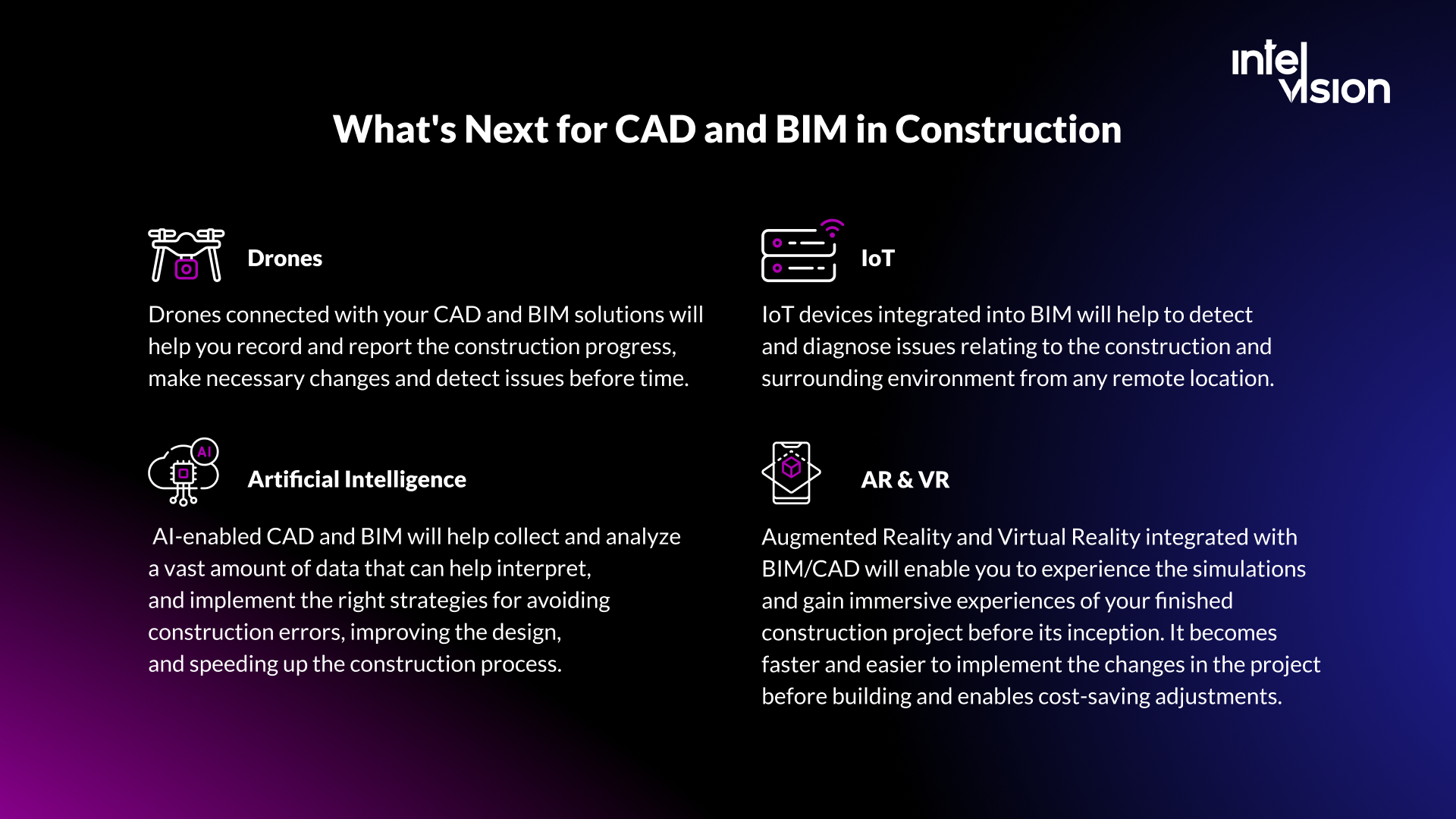
What's next for CAD and BIM in construction
The technologies will keep developing, and their value will come increasingly from how they combine with other tools:
- Artificial intelligence. AI-enabled CAD and BIM will analyze large amounts of project data to avoid construction errors, improve designs and speed up delivery, as long as the underlying model data is reliable.
- IoT and digital twins. Sensors connected to the asset model let owners detect and diagnose issues remotely during operation. Our article on BIM vs digital twin explains where one ends and the other begins.
- Drones and reality capture. Drone surveys and laser scans compared against the model record progress and detect deviations early.
- AR and VR. Immersive reviews of the finished building before it exists make changes cheaper, because they happen before construction.
- Carbon and product data. The EU BIM Task Group's second handbook, published in May 2026, focuses on the green and digital transition: life-cycle assessment with BIM, environmental product declarations (EPD), the digital product passport (DPP) and the digital building logbook (DBL). With EPBD carbon calculations due from 2028, BIM data will increasingly feed sustainability reporting.
Large-scale digitization of construction will continue because the market demands it: efficiency, shorter schedules and lower costs are priorities for every client. New technologies will affect the profits of the construction business, because they optimize every stage of a project, from engineering surveys to operation.
Checklist: are you ready to move from CAD to BIM?
- You know why you are moving: tenders, coordination problems or client handover requirements.
- You have chosen a pilot project and partners willing to exchange models.
- Information requirements and a BIM execution plan are written down.
- A common data environment is in place, with version and status control.
- Templates, object libraries and naming conventions exist and have an owner.
- Each role has a training plan, including site and estimating staff.
- IFC exchange has been tested with every partner.
- You have a baseline from a CAD project to compare the pilot against.
- You know which business systems should read the model, and who will build those links.
CAD is not going away. It remains the fastest way to produce a precise drawing. But the project record is moving into models and the data attached to them, and the firms that manage that information well will win the tenders, the margins and the clients who want buildings they can operate.
Sources
- EU BIM Task Group: Handbook for the introduction of BIM by the European public sector (2017)
- EU BIM Task Group: Handbook 2.1 on the twin transition (2026)
- Wikipedia: Sketchpad
- Wikipedia: ISO 19650
- Wikipedia: Building information modeling
- Wikipedia: Industry Foundation Classes
- IMI Framework (formerly UK BIM Framework), BSI and nima
- Construction Management: IFC 4.3 standard published (April 2024)
- German Federal Ministry of Transport: Building Information Modeling
- BIM Deutschland
- European Commission: Energy Performance of Buildings Directive
- That Open Company
- Speckle
Read Intelvision often? Add us as a preferred source in Google Search.
Add to preferred sources