What Is Professional Services Automation Software (PSA) and Why Do You Need It?
What's new: Unverifiable statistics replaced with SPI Research's 2026 benchmark, plus new sections on core modules, current tools and prices, AI in PSA, implementation steps, build vs buy and an FAQ.
Summarize with AI
Read summarized version with AI
- PSA software connects selling, staffing, delivering and billing professional services in one system, with margin and utilization visible per project and person.
- Firms that bill time or projects benefit most: consultancies, agencies, AEC firms, IT services and MSPs, where PSA also covers tickets and contracts.
- SPI Research's 2026 benchmark of 509 firms found the most mature firms show 42% more billable utilization and 250% higher project margins than level 2 firms.
- Published plans such as Scoro's cost €15 to €52 per user per month, and enterprise platforms quote on request; implementation, integrations and training often cost more than the license.
- AI now proposes staffing, drafts estimates and forecasts revenue inside PSA tools, but only works on clean, timely time and project data.
- Buy when your process is standard, extend when a few workflows are unique, and build when your delivery model is your advantage.
Professional services automation (PSA) software is the operating system of a firm that sells expertise by the hour or by the project. It connects the work your people do with the money the firm makes: who is booked on what, how many hours were billable, whether a project is on budget, and what to invoice at the end of the month.
We first published this guide in October 2022. The basics have not changed, but the market has. PSA products now ship AI agents for staffing and forecasting, some products have changed hands (Projector PSA's website now redirects to BigTime), and research on how well professional services firms run has become more detailed. This version keeps the original structure, removes statistics we could no longer verify, and adds what a managing partner, COO or head of delivery needs in 2026: the core modules, current tools and prices, how AI changes PSA, an implementation plan and a buy-or-build decision guide.
PSA software: explained in a few words
PSA software automates the operations of organizations that provide professional services: consulting firms, audit and accounting practices, law firms, architecture and engineering firms, agencies, IT consultancies and managed service providers.
Typical PSA solutions combine time tracking, project and resource management, and customer billing in one system. PSA usually integrates with CRM on the sales side, financial accounting or ERP on the finance side, and HR systems on the people side. The point of PSA is that a project's sale, staffing, delivery and invoicing live in one connected record instead of five spreadsheets.
PSA overlaps with project management and work management software, but it adds the commercial layer those tools lack: rates, budgets, billable versus non-billable time, revenue recognition and margin per project, client and person.
Who needs PSA software and benefits from it
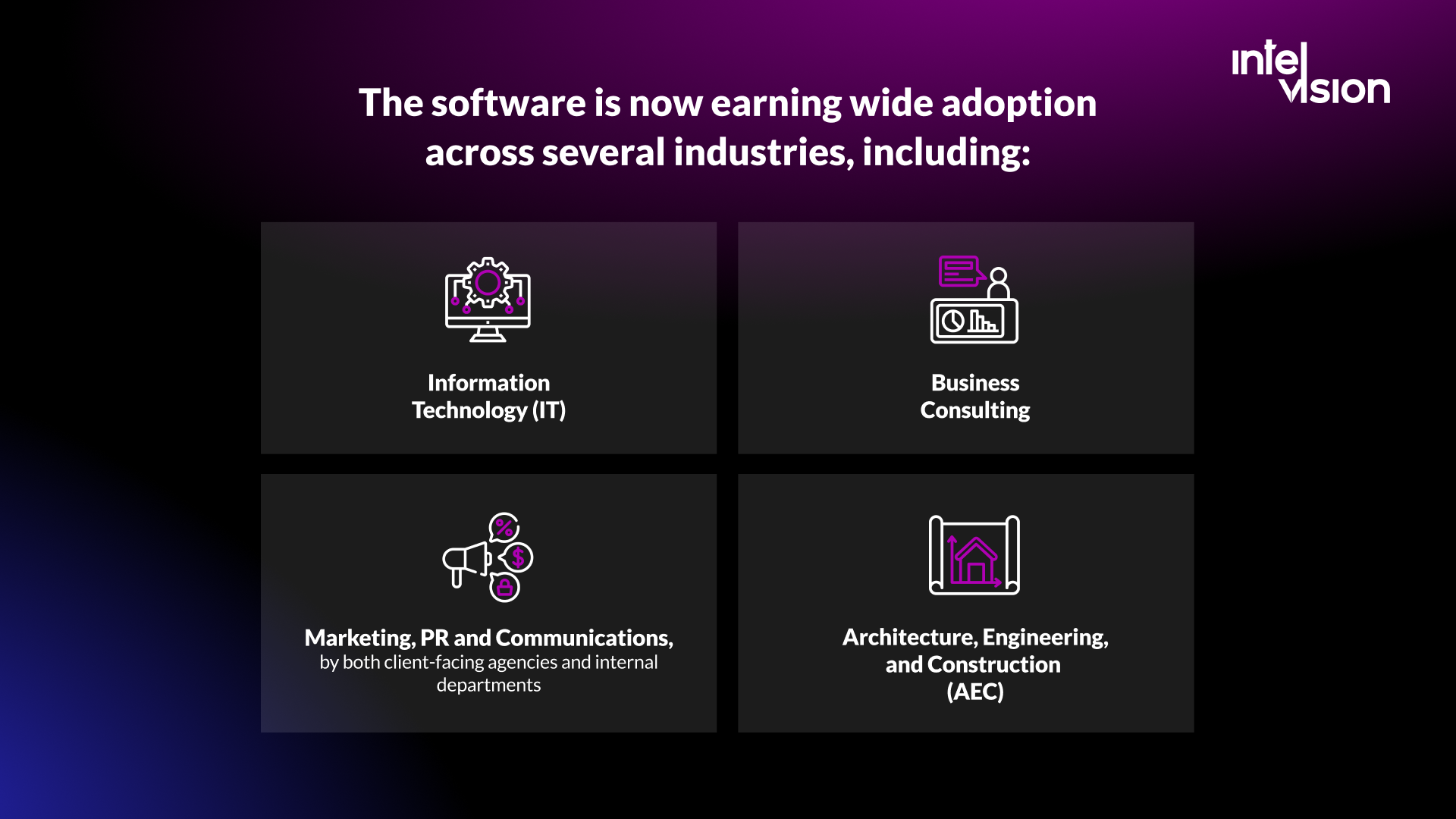
From medium-sized businesses to global corporations, firms use PSA to automate routine administration, improve client service and, as a result, increase profitability. It is widely used in:
- Information technology services, consulting and software implementation partners;
- Managed service providers (MSPs), where PSA also covers ticketing, service-level agreements and recurring contracts;
- Marketing, PR and communications agencies, and internal creative teams;
- Architecture, engineering and construction (AEC) firms;
- Management consulting, audit, tax and legal practices.
Organizations that deliver billable work benefit most. By centralizing project delivery data, PSA gives visibility into revenue, cost, utilization and margin, at the level of the firm, the project and the individual consultant.
A note on terms: in the MSP world, PSA often means a service-desk and billing platform. ConnectWise, for example, describes its PSA as a way to run an MSP's whole operation, from tickets to billing, in one system. Consulting and agency PSA tools focus more on resource planning and project financials. Make sure the products you compare are built for your kind of firm.
What PSA software does: the core modules
| Module | What it does | What it improves |
|---|---|---|
| Opportunity to project handoff | Turns a won deal into a project with scope, budget, rate card and team | Fewer surprises between what was sold and what is delivered |
| Resource management | Matches people to projects by skills, availability and cost; shows the bench | Billable utilization and staffing speed |
| Project management | Plans tasks, milestones and dependencies; tracks progress | On-time delivery |
| Time and expense capture | Records hours and costs against projects, with approvals | Billing accuracy and less admin |
| Project financials | Budgets, actuals, forecasts and margin per project | Project margin and early warning on overruns |
| Billing and revenue recognition | Invoices time and materials, fixed fee and retainers; recognizes revenue | Cash flow and month-end close |
| Reporting and forecasting | Utilization, pipeline-based capacity and revenue forecasts | Hiring and investment decisions |
PSA's key advantages for businesses of all sizes
The main benefit of PSA is that the people responsible for business performance can manage and measure service delivery at scale. Executives see where the business runs efficiently and where it leaks margin. Good PSA keeps senior people out of spreadsheets and engaged with the data at a decision level.
Less admin, more billable hours
Time capture, approvals and invoicing are the most manual parts of a services business. Vendors quantify the savings in different ways. PSOhub, for example, models 100 billable hours saved or gained per person per year for a seven-person team, based on its own assumptions of about 2.5 hours a week from automation and better planning. Treat figures like this as a vendor's model, not a benchmark, and measure your own baseline before and after.
Better utilization and margins through operational maturity
The more reliable evidence comes from benchmarks of how professional services firms operate. SPI Research's 2026 Professional Services Maturity Benchmark covers 509 organizations with more than 245,000 consultants and nearly $63 billion in services revenue. It reports that firms at the highest maturity level show 42% more billable utilization and 250% higher project margins than firms at level 2. Maturity is more than software, but integrated systems for resourcing, project financials and billing are part of what separates the two groups.
One version of the truth
When sales, delivery and finance work from the same project record, arguments about whose numbers are right disappear. That is often the benefit leaders notice first.
The best time to invest in PSA software
In our view, PSA is usually the next major business system a services firm needs after accounting and CRM, especially when it plans to grow quickly. These are the signs that it is time.
Your service delivery team uses more than three tools
If you have separate tools for task management, project planning, resource management and time tracking, your data is siloed and every report means exporting and reconciling. The more tools, the more time leaks into administration.
You are not sure whether projects make money
Is a project a success when it is delivered on time and the client is happy? What if it lost money? Many services firms only find out at the end, when costs and expenses are finally added up. PSA shows budget against actuals while the project runs, so you can act while there is still time.
Staffing decisions happen in a spreadsheet or a meeting
If assigning people to projects depends on one person's memory, you will overbook some consultants, underuse others and miss the skills you already have.
Invoices go out late or need corrections
Late time entries and manual invoice preparation delay cash. If month-end billing takes days and produces credit notes, the process is costing you more than the software would.
You cannot answer "can we take this project?"
When sales cannot see capacity three months ahead, the firm either says no to good work or says yes and burns out its team. Pipeline-based capacity forecasting is one of the strongest arguments for PSA in a growing firm.
PSA software options in 2026
The market splits into a few clear groups. The examples below are products we checked on their own websites today; they are illustrations, not a ranking.
| Category | Examples | Typical buyer |
|---|---|---|
| Dedicated PSA platforms | Kantata, which calls itself an AI-driven PSA and names Deloitte, Sage and Hitachi as customers; BigTime, whose Enterprise PSA is where the former Projector PSA website now leads | Consulting firms, IT services companies and agencies |
| PSA on a CRM platform | Certinia, native to Salesforce, with professional services and financial management modules; its financial management runs billing, revenue recognition and accounting on a single general ledger | Firms that already run sales on Salesforce |
| All-in-one work and finance tools | Scoro, combining sales, projects, resourcing, time tracking and invoicing | Agencies and consultancies; published plans start at five users |
| MSP platforms | ConnectWise PSA and similar products built around tickets, contracts and recurring billing | Managed service providers |
How much PSA software costs
Licenses are usually priced per user per month. Scoro publishes its prices: per user per month, €15 for its time and billing plan, €25 for its projects and resources or quote-to-cash plans, and €52 for its end-to-end plan, with a minimum of five users and a 13% to 17% discount for annual billing. Enterprise platforms such as Kantata and Certinia quote on request.
The license is rarely the largest cost. Budget for:
- Implementation and configuration: rate cards, project templates, approval workflows and reports. BigTime, for example, says its Enterprise PSA reaches full go-live in four to six months for most customers.
- Data migration: clients, open projects, rates and historical time entries.
- Integrations: CRM, accounting or ERP, payroll and HR, single sign-on.
- Training and change management: PSA only works if everyone logs time accurately and on time.
- Ongoing administration: someone who owns the configuration as the firm changes.
A simple way to test the business case: estimate how many hours per person per month are lost to manual administration and unbilled time today, multiply by your average billing rate, and compare that with the license and implementation cost over three years.
What features you should look for in PSA software, and why
The right choice depends on how your business is set up, your goals and your constraints. Consider these before you buy:
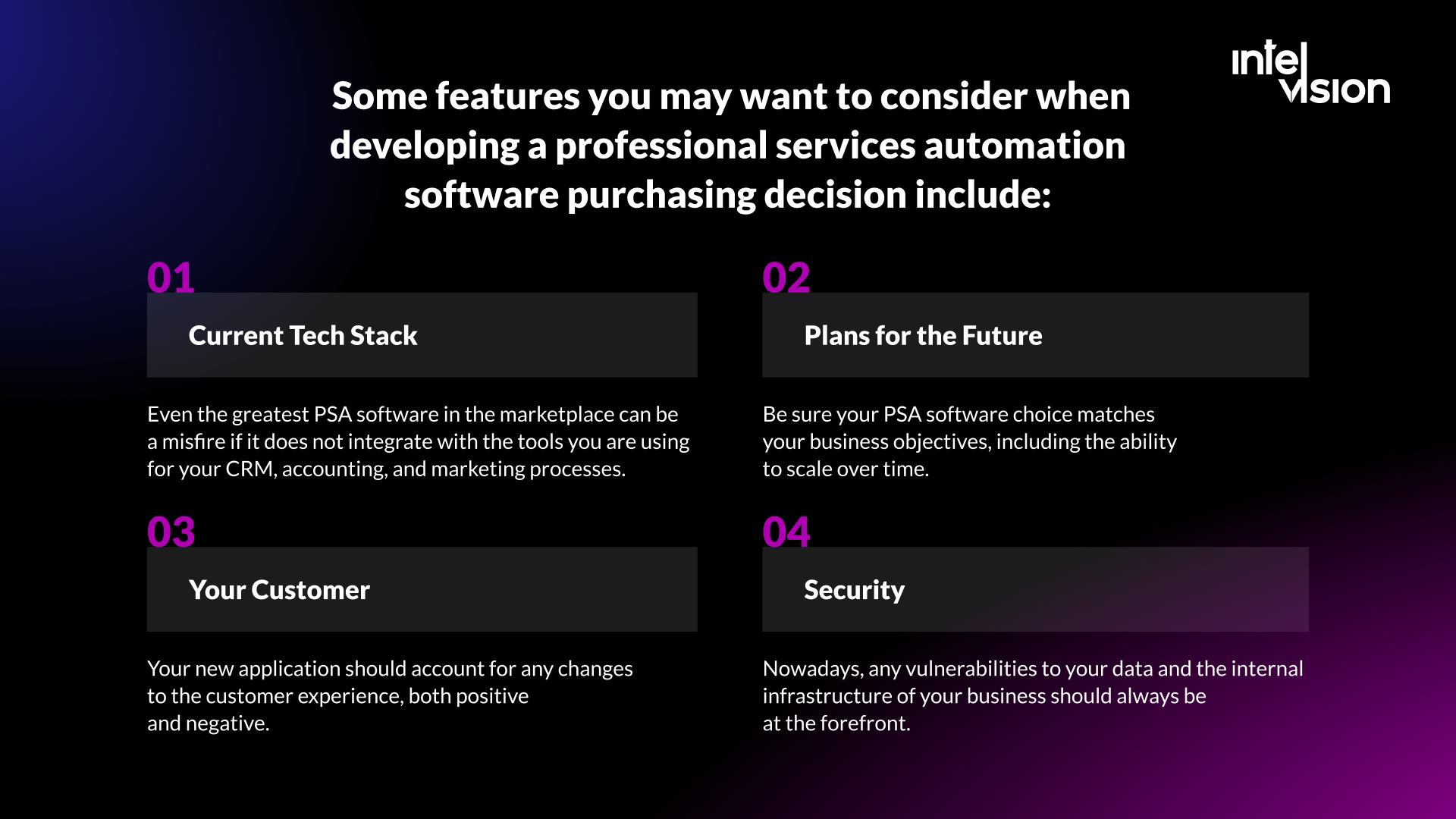
- Your current tech stack. Even the best PSA is a misfire if it does not integrate with the CRM, accounting and HR tools you already use. Ask for native integrations or a documented API, not a promise.
- Your plans for the future. Make sure the product fits where the firm is going: more offices, currencies, legal entities, service lines or pricing models.
- Your clients. Consider how the system changes the client experience: client portals, status reports, invoice formats and approval flows.
- Security. Client data and commercial data need role-based access, audit trails, single sign-on, data residency options and a vendor security certification.
- Resource management by skill. Look for skill profiles, availability and cost in one view, not just a calendar of names.
- Financial depth. Rate cards, multiple billing models, revenue recognition and multi-currency support if you need them.
- Forecasting. Capacity and revenue forecasts that use the sales pipeline, not only booked projects.
- Data ownership. Full export and API access, so your operating data is never locked in.
For more on the finance side, see our guide to ERP for finance.
How AI is changing PSA software
AI is the biggest change in PSA since this article first appeared. Vendors now build it into the core workflows:
- Staffing. Kantata says its PSA proposes the right team before you ask, matched by scope, availability, scheduling and skills, and describes a separate Expertise Engine that turns past experience into staffing intelligence.
- Role-based agents. Certinia's Veda AI includes agents for estimation, resourcing, project management, business analysis and customer success.
- Admin work. Scoro includes monthly AI credits per user in its platform tiers, and Productive lists AI time tracking and reporting intelligence in its plan comparison.
Two cautions. First, AI in PSA is only as good as the data underneath it: if time is logged late and projects are set up inconsistently, AI forecasts and staffing suggestions will be confidently wrong. Fix data discipline first. Second, treat headline AI benefits on vendor websites as claims to test in a pilot, with your own data.
AI also works outside the PSA product. Many firms get faster results by automating specific workflows around their existing systems, such as drafting status reports, summarizing meeting notes into project updates, or flagging budget risks. Our workflow automation and agents service works the same way: one operational workflow at a time, with a person signing off wherever money is counted or compliance is recorded.
How to implement PSA software, step by step
- Measure the baseline. Billable utilization, project margin, days to invoice, and hours spent on admin per person. Without a baseline you cannot prove the investment worked.
- Map the quote-to-cash process. From the signed deal to the paid invoice: who does what, in which tool, and where data is re-entered.
- Define the must-haves. Billing models, integrations, security requirements and the five reports leadership needs every month.
- Shortlist two or three products built for your kind of firm, and run scripted demos with your own scenarios.
- Pilot with one team for four to eight weeks before rolling out firm-wide.
- Migrate and integrate. Clean client and project data first; integrate CRM and accounting before the go-live date.
- Make time capture a habit. Daily or weekly time entry with clear rules is the foundation of everything else.
- Review after 90 days against the baseline, and adjust configuration rather than adding workarounds outside the system.
How a custom PSA solution may help to boost your business
Off-the-shelf PSA fits most firms. A custom solution makes sense when your delivery model is unusual, when you need deep integration with industry systems, or when license costs for a large team outgrow the value of standard features. Custom software is designed around the specific requirements of your business and its users. It is like a tutor when you have to pass an exam in a month: a good tutor does not teach everything, only what matters for your result.
There is also a middle path: keep a standard PSA or ERP for finance and billing, and build the parts that differentiate you, such as a client portal, an industry-specific resourcing model or an automated reporting layer, on top of it.
| Option | Choose it when | Watch out for |
|---|---|---|
| Buy a PSA product | Your processes are close to industry standard | Bending your process to the tool's limits |
| Buy and extend | A standard core works, but a few workflows are unique | Integration maintenance over time |
| Build custom | Your delivery model is a competitive advantage, or licenses cost more than they return | You own maintenance, security and upgrades |
Two examples from our own work show what custom can look like. For a German single-family office running 12 operating companies, we built an operating system that documented and digitized all 34 critical processes, removed 64% of the manual workload and eliminated a six-figure annual license, replacing a legacy ERP the office could neither extend nor replace affordably. For a Swiss project-delivery consultancy building its first enterprise product, an AI delivery-management platform, our first senior backend engineer was onboarded within three business days of the request and the engagement grew into backend, Microsoft Teams, Graph and Jira integrations, QA and technical project management.
Whether you run a creative or marketing agency, a consulting company, an architecture and engineering firm, an accounting team or an IT service provider, our software development team can build or extend the system around the way you actually deliver. See how we work with professional services firms.
Common mistakes when adopting PSA
- Buying for features instead of process. The best-rated product fails if it does not match how you sell and bill.
- Skipping the baseline. Without before-and-after numbers, the investment cannot be defended at the next budget review.
- Underestimating time discipline. PSA runs on time data. If entries are late, every report and forecast is late too.
- Too much customization on day one. Start close to standard, learn, then adjust.
- No owner. Someone in operations must own the configuration, data quality and reporting after go-live.
Sources
Read Intelvision often? Add us as a preferred source in Google Search.
Add to preferred sources