
15 Must-Have Ecommerce Features for Your Website in 2026
What's new: Features refreshed with Baymard checkout and search data, payment security (SCA, PCI DSS v4), EU accessibility, discount and review rules, AI shopping assistants, a priority table and a checklist.
Summarize with AI
Read summarized version with AI
- Checkout is where most money is lost: Baymard puts the average cart abandonment rate at 70.22%, and extra costs (40%) and slow delivery (20%) top the reasons.
- Search, complete product pages and reviews decide whether shoppers find and trust a product; 56% of sites Baymard benchmarked fail to support users' search needs.
- Payments must be local and secure: digital payments were 66% of ecommerce value in 2024, SCA applies to EEA card payments and PCI DSS payment page script controls have been effective since 31 March 2025.
- EU rules now shape features: the European Accessibility Act applies to ecommerce from 28 June 2025, and discount and review displays must follow the Omnibus Directive.
- Clean, complete product data is the safest investment as shoppers start discovering and buying products through ChatGPT, Google AI Mode and Gemini.
- Launch with the essentials done well, track events from day one and let checkout and search data decide what to build next.
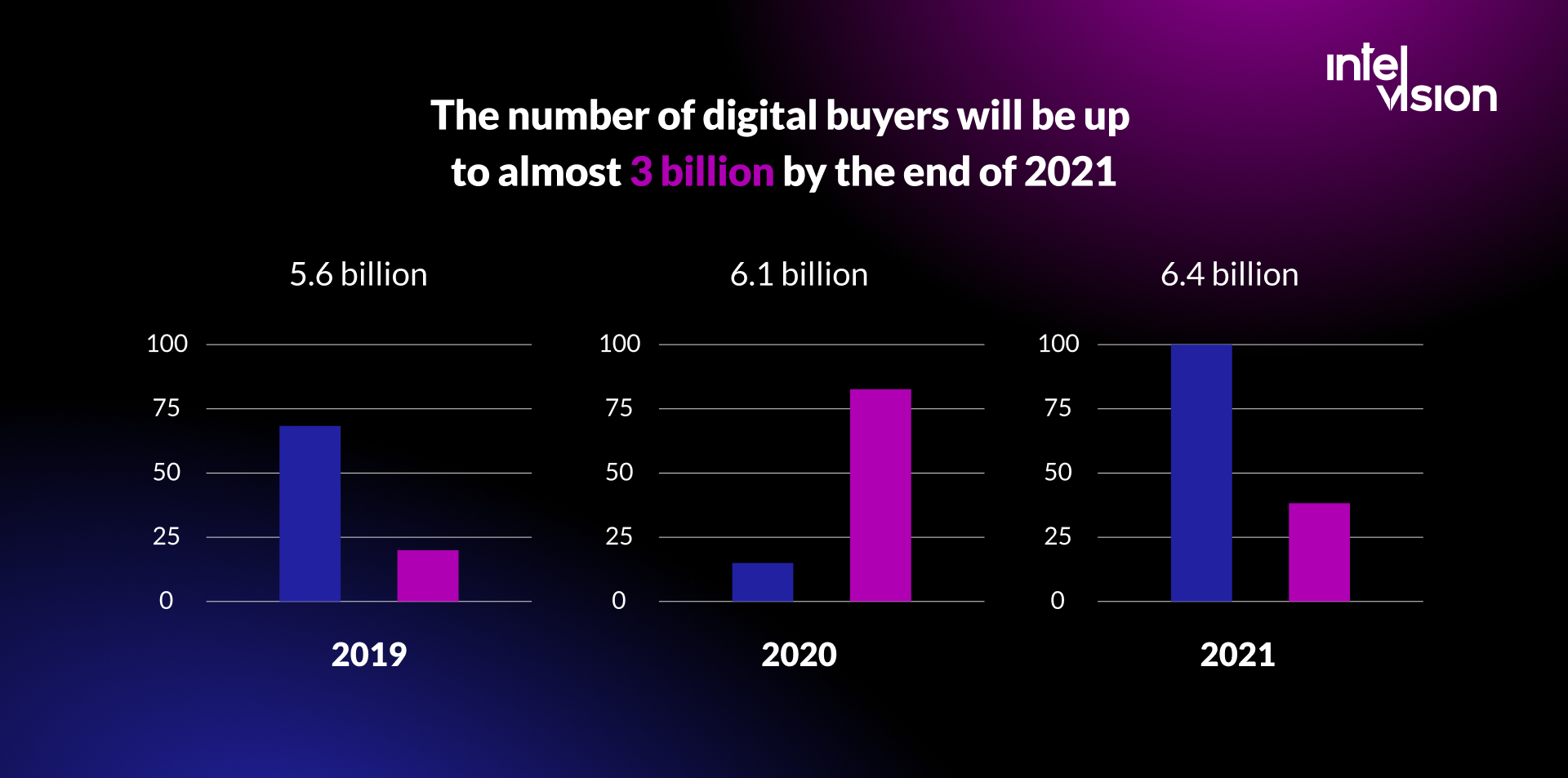
Online shopping is no longer a growth story you have to explain to anyone. According to Eurostat, 78% of internet users in the EU bought goods or services online in 2025, up from 62% in 2015 (Eurostat). What has changed is what shoppers expect from a store, and what the law expects from the business behind it.
This list covers the 15 ecommerce website features we consider essential in 2026, why each one matters, and what a good implementation looks like today. It also covers the changes that have arrived since we first published this list: accessibility rules for online shops in the EU, stricter rules for discounts and reviews, new payment security requirements, and shoppers who now find products through AI assistants.
What has changed since the first version of this list
When we wrote the original version of this article in 2021, a feature list was mostly about convenience: navigation, filters, a wishlist, a blog. Those still matter. But five shifts change how you should plan a store now:
- Checkout friction is measurable and expensive. The Baymard Institute's documented average cart abandonment rate is 70.22%, calculated from 50 studies (Baymard Institute). Many of the reasons are fixable features, not marketing problems.
- Regulation reaches the storefront. The European Accessibility Act applies to ecommerce services from 28 June 2025, and EU consumer rules now govern how you present discounts and reviews.
- Payment security moved into the browser. PCI DSS requirements for scripts on payment pages became effective on 31 March 2025.
- Payments went digital. Worldpay's 2025 Global Payments Report found that digital payments, including wallets, account-to-account transfers and buy now pay later, made up 66% of ecommerce value in 2024, up from 34% in 2014.
- Discovery is moving into AI assistants. Products are now found and, in some cases, bought inside ChatGPT, Google's AI Mode and Gemini, which rewards stores with clean product data.
Every feature below reflects these changes. If you are planning a new store from scratch, our ecommerce website development guide covers the full process from discovery to launch; this article focuses on the features themselves.
1. User-friendly, mobile-first navigation
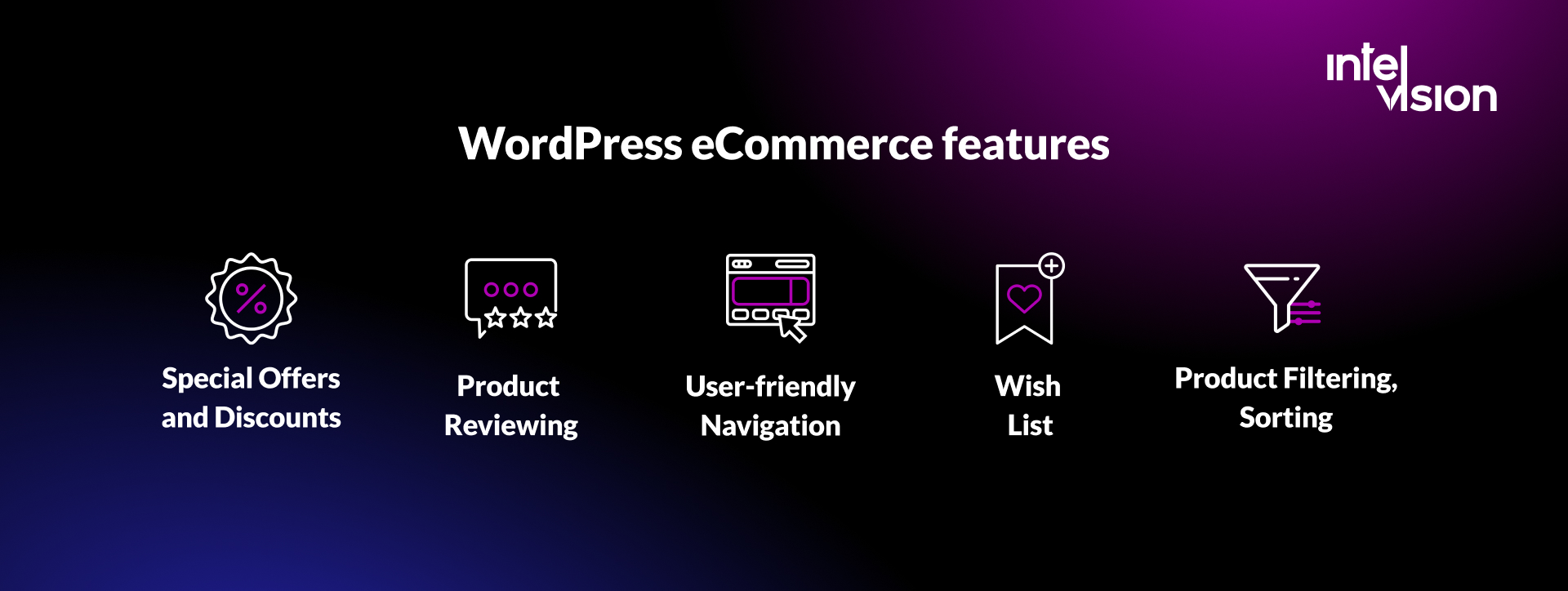
Ask anyone what they notice first in an online store and the answer is navigation. If shoppers cannot see within seconds where things are, they leave. Good navigation brings more returning customers and converts more new ones.
What good looks like in 2026:
- Designed for the phone first, then scaled up to desktop. Thumb-friendly menus, a visible search field and a cart icon that is always one tap away.
- A clickable logo that returns to the homepage, and a sticky header that does not take over half of a small screen.
- Categories named the way your customers talk, not the way your ERP names them. Test the labels with real users before launch.
- Breadcrumbs on category and product pages, so shoppers who arrive from search or an ad can move up the hierarchy.
- No more top-level menu items than people can scan at once; use mega menus for large catalogues, with clear groupings.
User-friendliness comes first. A beautiful design that hides the path to a product is a bad design.
2. Fast pages that pass Core Web Vitals
Speed is a feature. Slow product pages lose shoppers before they see the price, and Google uses page experience signals in search. Google's Core Web Vitals define what "fast enough" means, measured at the 75th percentile of real page loads on mobile and desktop (web.dev):
| Metric | What it measures | Good |
|---|---|---|
| Largest Contentful Paint (LCP) | How fast the main content appears | 2.5 seconds or less |
| Interaction to Next Paint (INP) | How fast the page responds to taps and clicks | 200 milliseconds or less |
| Cumulative Layout Shift (CLS) | How much the layout jumps while loading | 0.1 or less |
INP replaced First Input Delay as a Core Web Vital in 2024, and it is sensitive to exactly what stores tend to add: heavy scripts from tag managers, chat widgets, review tools and personalisation engines make every tap feel slow. Product images are the other usual culprit. Serve modern formats in the right sizes, lazy-load images below the fold and keep third-party scripts on a short leash.
The work pays off. For WallaWalla, a creative studio whose website we took on for ongoing maintenance, optimising images, reducing load times and minifying code improved site speed performance by 30%, as published in the WallaWalla case study.
3. Site search, filtering and sorting
The success of a store depends on whether people find the product. Baymard's research shows that roughly half of users prefer search as their way to find products, and that 56% of the sites it benchmarked fail to adequately support users' search needs (Baymard Institute).
A search box that only matches exact product names is not enough. Shoppers search by symptom ("dry skin"), by use ("trail running"), by compatibility ("iPhone 16 case") and by abbreviation. Many also search for things that are not products at all: in Baymard's testing, 34% of participants used the search field to look for content such as return policies.
What to build:
- Search with autocomplete, typo tolerance, synonyms and results for non-product queries such as delivery and returns.
- Filters that match how people choose in your category: size, price, colour, material, compatibility, availability, delivery time. Show how many products each filter leaves, and never show a filter that returns nothing.
- Sorting by relevance, price, newest and rating, with relevance as a sensible default.
- Zero-result handling that suggests alternatives instead of a dead end.
Semantic search based on language models has become affordable for mid-sized catalogues, and it handles descriptive queries much better than keyword matching. Test it on your own search logs before you buy it: your top 200 queries tell you more than any vendor demo.
4. Product pages that answer every question
The product page does the job of a salesperson. Everything a shopper would ask in a physical store needs an answer on the page: what it is, what it costs in total, whether it fits, when it arrives and how to return it.
- Several high-quality images from different angles, zoom, and video where it helps.
- Specifications in a scannable format, plus a short description written for people, not for search engines.
- Price, availability and delivery estimate visible without scrolling.
- Size guides, compatibility information or configurators for products where fit matters.
- Return policy and shipping costs on the page, not hidden in the footer.
The same information should exist as structured data. Google's product structured data supports merchant listings with details such as shipping costs, availability, return policy and customer reviews (Google Search Central). Clean, complete product data is also what AI shopping assistants read, which we come back to below.
5. Product reviews
What is the first thing you do on a product page? You check the reviews. Reviews build trust, help decisions and increase sales. Research from Northwestern University's Spiegel Research Center found that a product with five reviews has a purchase likelihood 270% greater than one with no reviews; the effect was 380% for higher-priced products against 190% for lower-priced ones. Purchase likelihood typically peaked at an average rating between 4.0 and 4.7 stars and fell as ratings approached a perfect 5.0 (Spiegel Research Center).
That last point confirms something we said in the original version of this article: do not fear negative reviews. They make the positive ones believable.
In the EU, reviews now come with rules. Since 28 May 2022, under the Omnibus Directive, shops that display reviews must tell consumers whether and how they check that reviews come from real customers. Presenting reviews as verified without taking steps to verify them, or buying fake reviews, is prohibited (Trusted Shops).
What to build: a simple review form sent after delivery, verified-buyer labels backed by real order data, photo reviews, sorting and filtering of reviews, a public note on how you collect and check them, and moderation that removes abuse without removing criticism.
6. Special offers and discounts
Special offers and discounts are hard to resist, and they remain one of the most effective tools for clearing stock, winning back customers and lifting conversion. A good promotion engine supports percentage and fixed discounts, free shipping thresholds, bundles, tiered pricing for B2B customers, first-order codes and loyalty rewards, all with start and end dates and usage limits.
In the EU, the way you announce a price reduction is regulated. Under Article 6a of the Price Indication Directive, added by the Omnibus Directive and applicable since 28 May 2022, the "prior price" shown next to a reduction must be the lowest price you applied in a period of at least 30 days before the reduction. The rule applies even when you only say "Special offer" without a percentage (Sellforte).
That has a technical consequence: your platform needs to keep a price history per product and display the correct reference price automatically. Doing this by hand during a sales campaign is how stores get it wrong.
7. Wishlists and customer accounts, with guest checkout
Most of us have saved a wishlist at least once. Wishlists help shoppers come back to products they were considering, and they tell you what people want: useful signals for stock planning, back-in-stock alerts and price-drop emails. They work especially well on mobile, where people browse in short sessions.
Customer accounts add order history, saved addresses, easy reorders and returns management. For B2B stores they are essential: company accounts, multiple users, approval flows and negotiated prices.
But do not force an account before purchase. In Baymard's research, 18% of US shoppers who abandoned an order during checkout did so because the site wanted them to create an account. Offer guest checkout, and invite people to create an account after the order, with the details they have already entered.
8. Related products and personalisation
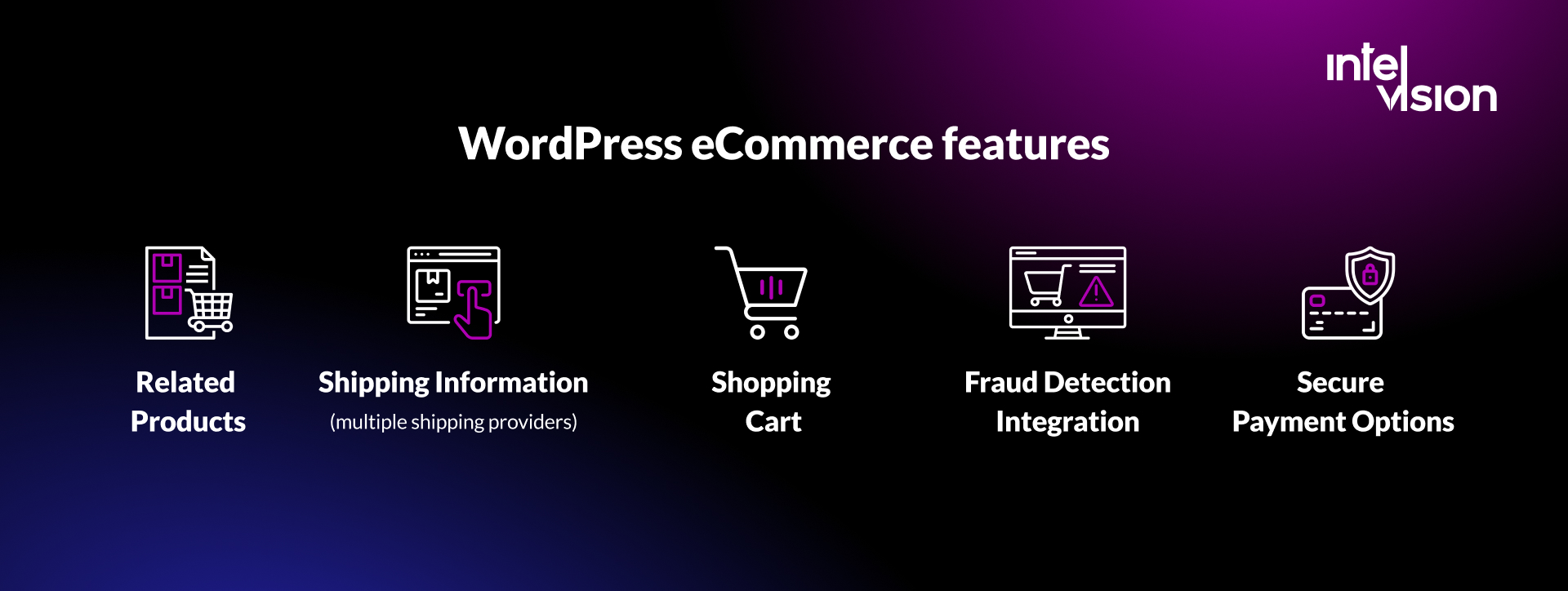
Scroll to the bottom of most product pages and you find other products you might like. Cross-selling and upselling work because they help: a shopper who cannot find exactly what they wanted gets a path to alternatives, and a shopper who found it gets the accessories that make it work.
Today's recommendation features range from simple rules ("frequently bought together", "same category, similar price") to models trained on your own behavioural data. Start with rules you can explain and measure, then add machine learning when you have enough traffic and order data for it to beat the rules. Personalise carefully in the EU: recommendations based on browsing behaviour use personal data and need a lawful basis and a clear privacy notice.
Recommendations also belong outside the product page: in the cart, in post-purchase emails and on the "no results" search page.
9. A shopping cart and a short checkout
The shopping cart bridges browsing and buying. It stores the selected products, shows the total and hands the order to payment, shipping and order management. In plain language, it is the online version of the supermarket basket and the cash register, and it is where most money is lost.
Baymard's checkout research gives a clear picture of why shoppers abandon orders once they have started checkout (Baymard Institute):
| Reason for abandoning during checkout | Share of US shoppers | Feature that addresses it |
|---|---|---|
| Extra costs too high (shipping, tax, fees) | 40% | Show total costs early; free shipping thresholds |
| Delivery was too slow | 20% | Delivery options and estimates on product and cart pages |
| Did not trust the site with card details | 19% | Recognised payment methods, security cues, clear company details |
| Site wanted an account to be created | 18% | Guest checkout |
| Checkout too long or complicated | 17% | Fewer form fields, address autocomplete |
| Website errors or crashes | 17% | Monitoring, testing, performance budgets |
| Unsatisfactory returns policy | 13% | Clear, fair returns information |
| Total order cost not visible up front | 12% | Shipping calculator in the cart |
| Not enough payment methods | 9% | Local and digital payment methods |
Baymard also found that the average US checkout shows 23.48 form elements by default, while an ideal flow can be as short as 12 to 14, and estimates that fixing solvable checkout usability issues could raise the average large site's conversion rate by 35.26%. That makes checkout the highest-return feature work in most stores.
What to build: a persistent cart that survives a closed browser, editable quantities, a visible total including shipping and tax, a progress indicator, address autocomplete, field validation that explains errors, and saved carts for logged-in users and B2B buyers.
10. Secure, local payment options
Shoppers expect to pay with the methods they use every day, and more and more of those are digital wallets on a phone. Worldpay's 2025 Global Payments Report puts digital payments at 66% of ecommerce value in 2024, and buy now pay later spending online at an estimated US$342 billion (Worldpay). The right mix depends on your market: cards and wallets such as Apple Pay and Google Pay almost everywhere, PayPal in many countries, and local methods such as iDEAL in the Netherlands, TWINT in Switzerland or invoice payment in Germany and the Nordics.
Two security requirements shape the implementation:
- Strong Customer Authentication (SCA). Under PSD2, customer-initiated online card payments where both the merchant and the cardholder's bank are in the EEA need authentication with at least two of three elements. Exemptions exist for low-value payments under €30, low-risk transactions assessed by the payment provider, and later charges in a series of fixed recurring payments (Stripe). A good payment provider requests exemptions where possible, so most shoppers see fewer challenges.
- PCI DSS payment page security. Requirements 6.4.3 and 11.6.1 of PCI DSS v4 became effective on 31 March 2025. They cover the scripts that run on payment pages: an inventory with a justification for each script, authorisation, integrity checks and detection of unauthorised changes. Merchants that use an embedded or redirected payment page and validate with the simplified SAQ A must now confirm that their site is not susceptible to attacks from scripts that could affect their ecommerce systems (PCI Security Standards Council; Report URI).
In practice: never handle raw card data yourself, use a payment provider's hosted fields or payment page, keep marketing and chat scripts off checkout pages, and set a Content Security Policy. The original version of this article recommended sales funnel tools for payment security. Today we would not: the security of a payment flow comes from the payment provider, the page architecture and the controls above, not from a funnel builder.
11. Fraud detection
Ecommerce fraud keeps growing. Juniper Research projects that ecommerce fraud will rise from US$56 billion in 2025 to US$131 billion in 2030, with friendly fraud, where real customers dispute valid transactions, as the fastest-growing form (Bizcommunity, reporting Juniper Research).
The good news is that you rarely need to build fraud detection yourself. Most payment providers include machine learning risk scoring, and specialised tools add more. What matters is how you integrate them:
- Pass rich order data to the risk engine: device, account age, order history, shipping and billing addresses.
- Define rules for your business, such as holding high-value orders to new addresses for manual review.
- Keep evidence for disputes: delivery confirmations, signed receipts, customer communication and order logs, so you can fight chargebacks.
- Watch false positives as closely as fraud. Every good order you decline is lost revenue and often a lost customer.
- Protect accounts as well as payments: rate limiting, bot protection and alerts on unusual logins stop credential stuffing and loyalty fraud.
12. Shipping, delivery and returns information
A store only completes the purchase cycle with a working delivery strategy. That covers carrier choice, shipping costs and rates, packaging and labels, insurance, tracking and the integrations that tie it together. Baymard's data shows why the presentation matters: extra costs and slow delivery are the two most common reasons shoppers abandon checkout, and an unsatisfactory returns policy drives away another 13%.
What to build:
- Several carriers and delivery options: standard, express, pickup points and parcel lockers, and click and collect if you have stores.
- Real-time rates and delivery estimates on product and cart pages, not only at the last checkout step.
- Integrations with carriers, a shipping platform or your 3PL partner for labels, tracking and automated status emails.
- Self-service returns with a returns portal, labels and refund status, and clear rules for who pays.
- Tax and customs handling for cross-border orders, including duties shown before payment.
Most platforms, including WooCommerce, Shopify and Shopware, offer carrier integrations and plugins for live rates, tax calculation and label printing. Custom work starts where your logistics are unusual: multiple warehouses, B2B delivery slots, offline field sales or ERP-driven stock.
13. Online chat and self-service support
Live chat shows customers that you respect their time. They get answers without waiting on the phone or for an email, and your team can handle several conversations at once.
In 2026, chat usually means three layers:
- Self-service for the most common questions: order tracking, returns and delivery times, answered without a conversation.
- An AI assistant that answers product and policy questions from your own catalogue, help articles and order data, and hands over to a person when it is unsure or the customer asks.
- Human agents for complex issues, complaints and high-value sales.
The AI layer needs the same care as any other customer-facing feature: answers drawn only from your approved content, clear disclosure that the customer is talking to AI, logs you can review and a fast path to a person. Under the EU AI Act, transparency rules for AI systems came into effect in August 2026 (European Commission), so tell customers when they are talking to an assistant rather than a person. If you plan an AI assistant or other AI features in your store, our AI product features work covers that design.
14. Marketing, CRM, email and SMS integration
Marketing automation takes over work marketers used to do by hand, and it is a major growth tool for any online business. Because an online store lacks face-to-face contact, the data you collect is how you get to know your customers. A CRM or customer data platform connected to your store lets you segment customers, personalise campaigns and measure their value over time.
Email and SMS remain the channels that put your products directly in front of people who asked to hear from you. Use them for:
- Transactional messages: order confirmation, shipping, delivery and returns.
- Lifecycle messages: welcome series, abandoned cart and browse reminders, back-in-stock and price-drop alerts, post-purchase review requests.
- Campaigns: launches, promotions and promo codes, segmented by behaviour and preference.
Consent is the foundation. Collect marketing consent explicitly, store it with a timestamp, make unsubscribing easy, and keep transactional and marketing messages separate. The integration itself should be event-driven: the store sends events (order placed, cart abandoned, item back in stock) and the marketing tool reacts, so you can change tools without rebuilding the store.
15. Analytics with consent built in
You cannot improve what you do not measure. Analytics tells you where shoppers come from, what they look at, where they drop out and what each channel is worth.
Two changes since the original article matter here. First, Google's Universal Analytics stopped processing data for standard properties on 1 July 2023, so Google Analytics 4 or another event-based tool is now the baseline (Google Analytics Help). Second, from March 2024, Google requires four consent signals passed through Consent Mode v2 for personalised advertising to be enabled for new users in the EEA (iubenda).
What to set up:
- A consent banner that blocks non-essential tags until consent and passes the signals correctly.
- Ecommerce event tracking: product views, add to cart, checkout steps, purchases, refunds.
- Server-side tagging where it improves data quality and page speed, with the same consent rules.
- A small set of dashboards the team actually uses: conversion rate by device and channel, checkout drop-off by step, search terms with zero results, average order value and returns rate.
Accessibility is now a legal requirement
Accessibility was missing from our original list. It cannot be missing now. The European Accessibility Act applies to ecommerce services offered to consumers from 28 June 2025. Microenterprises that provide services, meaning businesses with fewer than 10 employees and an annual turnover or balance sheet of no more than €2 million, are exempt; for everyone else, conforming to WCAG 2.1 or 2.2 at level AA is the practical way to meet the requirements (Accessible.org).
For a store, that means in practice:
- Every function, including filters, the cart and checkout, works with a keyboard and a screen reader.
- Sufficient colour contrast, visible focus states and text that can be resized without breaking the layout.
- Alternative text for product images, labelled form fields and error messages that explain what to fix.
- No essential information conveyed only by colour, and no time limits that cannot be extended.
- Accessible third-party components: payment forms, chat widgets and cookie banners are often the weakest parts.
Accessibility also helps everyone else: clearer forms and better contrast raise conversion for all shoppers, especially on small screens in daylight.
Content and product data for search and AI assistants
The original list ended with an ecommerce blog. Content still matters: buying guides, comparisons, size and care guides and FAQs answer questions before shoppers ask them, and they bring in search traffic you do not pay for. Define a goal for the content, publish consistently and build it around the questions your customers actually ask your support team.
What is new is where those answers are read. Shoppers increasingly ask AI assistants what to buy, and the assistants pull from product feeds, structured data and pages they can parse. The commerce side is moving quickly:
- In September 2025, OpenAI and Stripe launched Instant Checkout in ChatGPT and the Agentic Commerce Protocol, an open standard for selling through AI agents (Stripe).
- By March 2026 the approach had shifted for Shopify merchants: shoppers discover products in ChatGPT and complete the purchase on the merchant's own store (Digital Commerce 360).
- Google's Universal Commerce Protocol powers a checkout in AI Mode in Search and in Gemini for select merchants with products eligible in the United States, Canada and Australia, while the merchant stays the merchant of record. Merchant Center remains the hub for product data (Google Merchant Center Help).
Nobody knows yet how much buying will happen inside assistants. The safe investment is the same either way: a complete, accurate product catalogue with consistent attributes, prices, availability, shipping and returns data, exposed through feeds, structured data and an API. Stores with messy product data will be invisible in these channels; stores with clean data can add new channels quickly.
How to prioritise: launch features and later features
You do not need every feature on day one. Building everything before launch delays revenue and the learning that tells you what to build next. A practical split for a new store:
| Launch with | Add once you have traffic and orders |
|---|---|
| Mobile-first navigation and fast pages | Semantic or AI-powered search |
| Search with filters and sorting | Machine learning recommendations |
| Complete product pages with structured data | Loyalty programme and advanced promotions |
| Guest checkout and a short checkout flow | AI assistant in chat |
| Cards, wallets and the main local payment methods, with SCA and PCI controls | Buy now pay later and further local methods, based on demand |
| Payment provider fraud screening | Custom fraud rules and dispute automation |
| Clear shipping, delivery and returns information | Self-service returns portal and additional carriers |
| Reviews with a verification note, Omnibus-compliant discounts | Photo reviews, Q&A on product pages |
| Transactional email, consent-aware analytics | Lifecycle automation, SMS, customer data platform |
| WCAG 2.1 or 2.2 AA accessibility | Regular accessibility audits as the store changes |
For an established store, use data instead: start with the checkout steps and search queries where you lose the most people, and fix those first.
Platform choice: SaaS, open source or custom
Most of these features exist out of the box or as extensions on mainstream platforms. The question is where your business differs from the standard.
- SaaS platforms such as Shopify give you hosting, security patches, payments and a large app ecosystem. They suit most direct-to-consumer stores. The limits show up in complex B2B logic, unusual product models and deep ERP integration.
- Open-source platforms such as WooCommerce, Shopware or Magento Open Source give you full control of code and data, with the responsibility for hosting, updates and security that comes with it.
- Headless and custom builds separate the storefront from the commerce engine. They make sense when the customer experience is your product, when you sell through many channels from one catalogue, or when the buying process does not fit a standard store at all.
A useful rule: buy the commodity parts (payments, tax, shipping labels, fraud scoring) and build only what gives you an edge. Our clients' projects show both ends. For GiFiT, a gifting platform that lets customers attach video and photo messages to physical gifts through a QR code, an Intelvision team built the web application from scratch and released the MVP in three months, with an integrated CRM (GiFiT case study). For Posude, we built a mobile-first B2B order-taking app for sales representatives with offline mode and CRM sync, delivered as an MVP in three months (Posude case study). Neither would have fit a standard storefront template.
Ecommerce feature checklist
Use this list to review a store you run or a specification you are writing:
- Navigation tested on a phone with real users; categories named in customer language.
- LCP of 2.5 seconds or less, INP of 200 milliseconds or less and CLS of 0.1 or less at the 75th percentile.
- Search handles typos, synonyms, use cases and non-product queries; zero-result searches are logged and reviewed.
- Product pages show total price, availability, delivery estimate and return policy; structured data matches the page.
- Reviews collected after delivery, with a public note on how they are verified.
- Discount announcements show the lowest price of the previous 30 days, generated from price history.
- Guest checkout available; checkout has no unnecessary fields.
- Payment methods match your markets; SCA exemptions requested through your provider; payment page scripts inventoried, authorised and monitored.
- Fraud screening active, with a dispute evidence process.
- Several delivery options with costs shown before checkout; self-service returns.
- Chat or AI assistant answers from approved content and hands over to people.
- Marketing consent stored; transactional and marketing messages separated.
- Analytics events and Consent Mode v2 configured and tested.
- WCAG 2.1 or 2.2 AA conformance checked for the whole purchase journey.
- Product feed complete and consistent for Google Merchant Center and other channels.
Common mistakes when building an online store
- Treating features as a checklist instead of a funnel. Ten features that each work but do not connect (search that ignores stock, reviews that never reach the product feed) are worth less than five that work together.
- Too many third-party scripts. Every widget slows the page, adds a privacy question and, on checkout pages, a PCI question.
- Hiding costs until the last step. It is the most common reason for abandonment in Baymard's data.
- Ignoring the back office. Stock sync, order routing, returns and customer service tools decide whether you can deliver on the promises the storefront makes.
- Launching without measurement. Without event tracking from day one you cannot tell which feature to build next.
- Leaving accessibility and compliance to the end. Retrofitting accessibility, price history or consent into a finished store costs far more than building them in.
Building your store with Intelvision
We build ecommerce and retail software when a standard storefront is not enough: custom web applications, B2B ordering, integrations with CRM, ERP and logistics systems, and the ongoing work of keeping a store fast and secure. For Swiss Scholar, an Intelvision team redesigned and rebuilt the platform on a custom WordPress theme, integrated a secure payment gateway and designed a new shopping cart, with 30% cost savings on development reported in the Swiss Scholar case study.
If you are planning a new store or a major feature, our MVP and product development team can take it from discovery to release. If you want to discuss which of these features would make the biggest difference to your store, talk to us.
Summary
There are many features to consider when you build or improve an online store, and the market keeps adding more. The 15 that matter most in 2026 are the ones that help shoppers find a product, trust you with their money and receive what they ordered: fast mobile navigation, strong search, complete product pages, honest reviews and discounts, a short checkout with local payment methods, fraud protection, clear delivery and returns, support that answers quickly, connected marketing and analytics that respects consent. Accessibility and clean product data now sit underneath all of them.
Balance them against your type of business, your market and competitors, your security and compliance obligations, and what your customers expect. Build the essentials well, measure from the first day and let the data decide what comes next.
Sources
- Eurostat, E-commerce statistics for individuals
- Baymard Institute, Cart abandonment rate statistics
- Baymard Institute, Ecommerce search query types
- web.dev, Web Vitals
- Google Search Central, Product structured data
- Spiegel Research Center, How online reviews influence sales
- Trusted Shops, EU Omnibus Directive: new regulations
- Sellforte, The Omnibus Directive and price reductions
- Worldpay, Global Payments Report: digital payments guide
- Stripe, Strong Customer Authentication guide
- PCI Security Standards Council, Updates for merchants validating to SAQ A
- Report URI, PCI DSS 4.0.1 requirements 6.4.3 and 11.6.1
- Bizcommunity, E-commerce fraud projected to exceed $131bn by 2030 (Juniper Research)
- European Commission, AI Act regulatory framework
- Google Analytics Help, Universal Analytics has been replaced by Google Analytics 4
- iubenda, Google Consent Mode v2
- Accessible.org, EAA ecommerce services requirements
- Stripe, Instant Checkout in ChatGPT and the Agentic Commerce Protocol
- Digital Commerce 360, Shopify integration with ChatGPT changes (March 2026)
- Google Merchant Center Help, Universal Commerce Protocol and UCP-powered checkout
Read Intelvision often? Add us as a preferred source in Google Search.
Add to preferred sources